



Cashed App
Cashed runs as a Progressive Web App (PWA), giving players full casino access from any browser on Android, iOS, or desktop — no app store download required. The PWA installs straight from the site and adds a home screen icon in seconds. Every feature available on desktop, from slots to live casino tables, works the same way inside the Cashed app.



Cashed Mobile Casino
Our mobile casino keeps the same game library and account as the desktop site. The interface adjusts to the screen automatically, so menus, banners, and game tiles stay easy to reach on a phone or tablet.
Navigation is shorter on mobile: fewer taps separate the lobby from a game session, which suits quick rounds between other tasks.
Cashed gives you the widest view of the lobby on desktop, useful for browsing categories or following a live casino table in more detail. We keep both versions on the same account, so a session that starts on one device continues without any changes on the other.
A quick look at how the Cashed app is set up across platforms:
| Parameter | Detail |
|---|---|
| Distribution | Progressive Web App (PWA), browser-based |
| Platforms | Android, iOS, Windows, macOS |
| Installation | Add to Home Screen |
| File download | None — no APK, no separate installer |
| Updates | Automatic, applied on every page reload |
Mobile Application for Android
To open Cashed on Android, add it to the home screen through the menu in Chrome or another browser of your choice. The resulting icon behaves like a native app: it launches in full-screen mode, without the address bar or browser tabs, and opens directly into the casino lobby.
We run this as a browser-based application through a PWA, not a listing from the Google Play Store. The install uses no extra storage on the device beyond a small icon file, and we push the latest version of the site every time it opens.
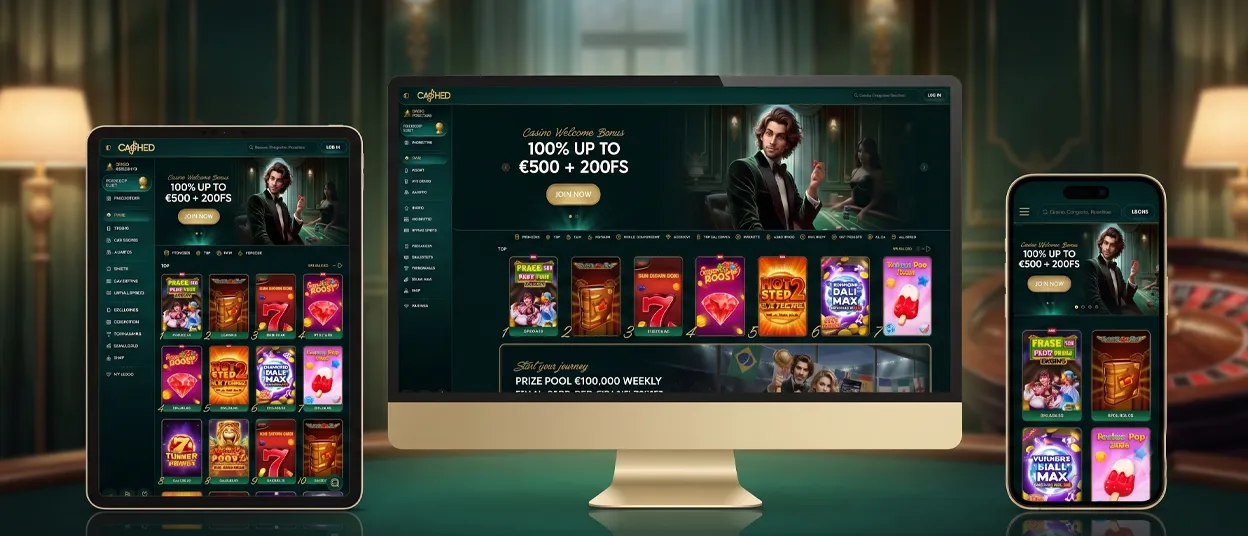
Mobile Application for iOS
On iPhone and iPad, Safari handles the install. Players open the Cashed website, tap the Share icon, then select Add to Home Screen. The icon then sits alongside other apps and opens the casino in full-screen mode, matching the Android experience in games and account features. Login, balance, and game history stay in sync with every other device linked to the same account.
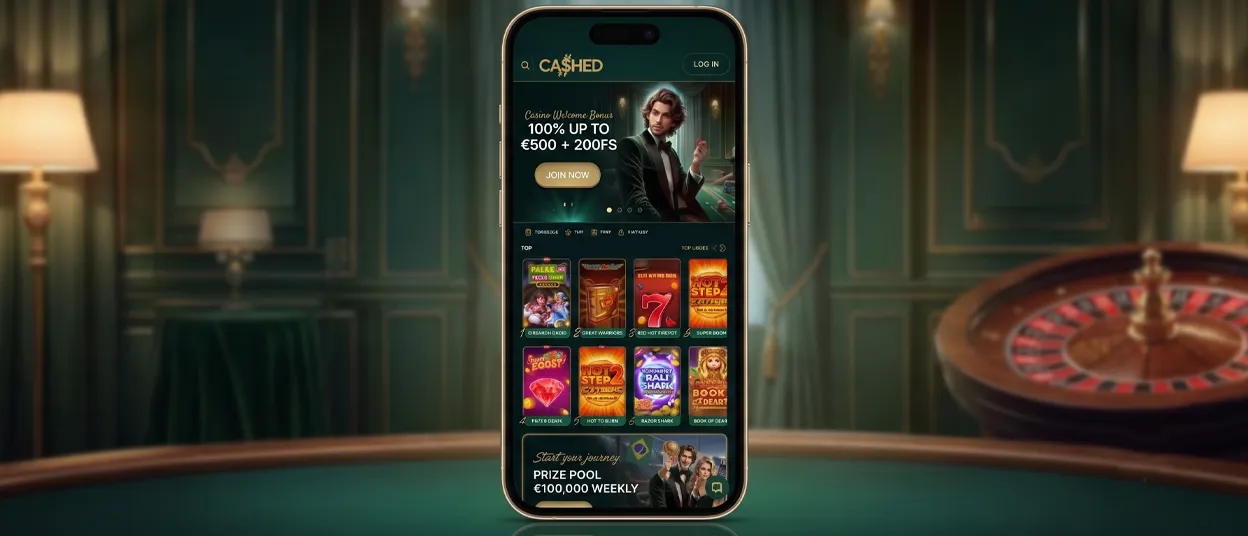
Cashed Casino Application for Windows/macOS
On Windows and macOS, the same PWA installs from Chrome or the browser of your choice and opens in its own window, separate from browser tabs. Nothing extra needs to be downloaded — the desktop app pulls from the same game catalog and account balance as the mobile version. A larger screen makes it easier to browse categories, check live casino tables, or manage payment methods and verification documents in one view.
One Account, Every Device
A single Cashed login carries across every platform players use:
- Android and iOS, through the PWA shortcut on the home screen
- Windows and macOS, through the same PWA installed from the browser
- Any mobile browser, without installing anything at all
Balance, game history, and Support Team conversations through live chat stay identical no matter which device opens the Cashed app. Players who complete the verification process on one device don’t need to repeat it on another — the account status carries over immediately.
A slot session started on a phone can continue on a laptop with the same balance and the same spin history, which suits both short mobile sessions and longer sessions on a larger desktop screen.
FAQ
Does the Cashed app need a strong connection to run smoothly?
The PWA is built to run on standard mobile data as well as Wi-Fi. Graphics-heavy live casino tables benefit from a stable connection, but core navigation and most slots load fine on an average 4G signal.
Can I move the Cashed icon into a folder on my phone?
Yes. The icon works like any other shortcut once it’s on the home screen — drag it into a folder, rename it, or move it wherever you like, the same as with native Android or iOS apps.
What happens if I remove the app icon from my home screen?
The account itself is unaffected — you only lose the shortcut. Go back to the website in any browser, sign in the usual way, or set up the home screen icon again if you’d rather have it there.


